

10 common CMS migration problems, and how to avoid them

Most CMS migrations don't fail loudly. The import finishes, the counts look right, and the problems surface weeks later: an image that never loads, a link that goes nowhere, a field that quietly stayed behind. Here are ten common ones, and what prevents each.
1. Custom fields that never left the old system
The posts arrive, but the event dates, prices or author bios don't. It happens when the export doesn't include them. The WordPress REST API, for example, only returns custom fields that were registered for it, so a script built on the API never sees the rest.
Prevent it: list every field on every content type before you start, including fields from plugins, and check that your source actually returns each one. Then compare a few records field by field after the move.
2. Links between records that point nowhere
An article links to another article, an event points at its venue, a page lists related posts. On the new side, those references need the new record's id or address. If the target was created after the record that links to it, or not at all, the link breaks without any error.
Prevent it: create records that others depend on first (terms, authors, media), and run a final pass over links once every record exists. Then check for links that still point at the old site.
3. Images that still load from the old server
Featured images move, but images inside the body text keep their old URLs. Everything looks fine, until the old server is switched off.
Prevent it: copy every image the content uses, including those referenced inside rich text, and rewrite each reference to the new copy. Then search the migrated content for the old domain before the switch.
4. Rich text that doesn't survive the conversion
Every CMS stores body content its own way: HTML, Markdown, or a structured format such as Lexical, Slate or Portable Text. A direct copy loses things: shortcodes appear as plain text, embeds disappear, tables collapse, captions detach from their images.
Prevent it: collect the unusual cases first (shortcodes, embeds, tables, custom blocks, inline HTML) and decide what each becomes on the new side. Test the conversion on the longest, most complex pages, not the simple ones.
5. Dates that shift, or reset to today
Every post appears to have been published on migration day, or every date has moved by an hour. The first happens when the new CMS sets its own creation date and the original is never written. The second comes from time zones: one system stores local time, the other UTC.
Prevent it: map the original publish date to a field that the new CMS keeps, and convert to UTC explicitly. Check a post published near midnight, and one from each side of a daylight-saving change.
6. Drafts that go live
Unpublished drafts and scheduled posts arrive as published, because the destination wasn't set up for drafts, or the status wasn't mapped.
Prevent it: map statuses deliberately, and make sure the new content types support drafts before importing. Count published and unpublished records separately on both sides.
7. Duplicates after a second run
A migration rarely runs exactly once. If a run stops halfway, or you run it again to pick up new content, a naive import creates every record a second time.
Prevent it: make the import recognise what it already wrote, by a stable key such as the original id or slug, and update or skip those records instead of creating new ones.
8. Slugs that clash or change
Two records in different sections share a slug, which the new CMS doesn't allow. Or the new CMS cleans up slugs on its own, changing characters and breaking addresses.
Prevent it: check slugs for duplicates and unusual characters before the move, decide how to resolve clashes, and list every record whose slug changed, so each one gets a redirect.
9. Lost search rankings
The content arrives, but the SEO titles, descriptions and canonical addresses stay behind in the old SEO plugin, and old URLs return 404s. Rankings built over years can drop within weeks.
Prevent it: move the SEO data with the content, keep URLs where you can, and redirect every old address that changes, including the redirects the old site already had.
10. No way to check, and no way back
The migration runs once, straight into the live CMS. When something looks wrong, there is no easy way to tell what came from the migration, and no clean way to undo it.
Prevent it: test before the real run, keep a record of everything the migration creates, and make sure you can remove it again. Our guide to testing a CMS migration before running it covers this step by step.
The pattern behind all ten
Almost every problem on this list comes from one of two things: something about the content nobody listed before the move, or a result nobody checked after it. An honest inventory at the start and a real check at the end prevent most of them. For the inventory, see what actually moves in a CMS migration.
Questions
What is the most common CMS migration problem?
Content that never left the old system, usually custom fields or images inside body text. The import looks complete because the records arrived, but parts of each record are missing.
How do I avoid losing SEO rankings in a CMS migration?
Move the SEO titles, descriptions and canonical addresses with the content, keep URLs where you can, and redirect every old address that changes, including the redirects the old site already had.
How do I stop a CMS migration creating duplicates?
Give the import a stable key for each record, such as its original id or slug, so a second run updates or skips what is already there instead of creating it again.
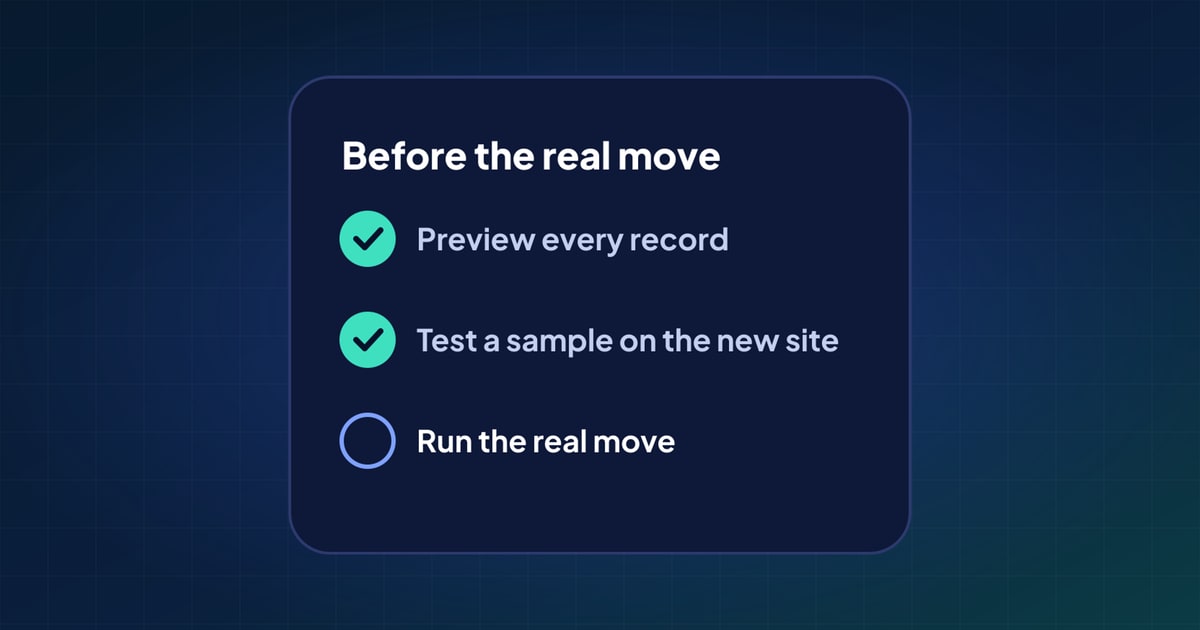 How to test a CMS migration before you run it
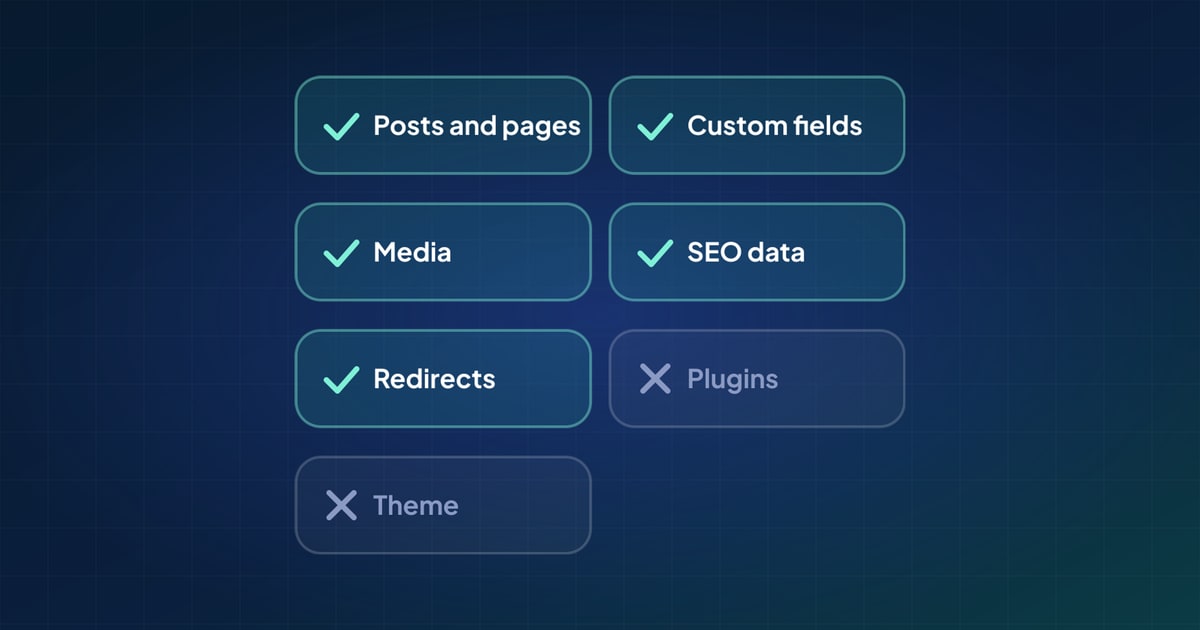 What actually moves in a CMS migration (and what doesn't)
 How to migrate WordPress to Payload CMS: a practical guide