

What actually moves in a CMS migration (and what doesn't)
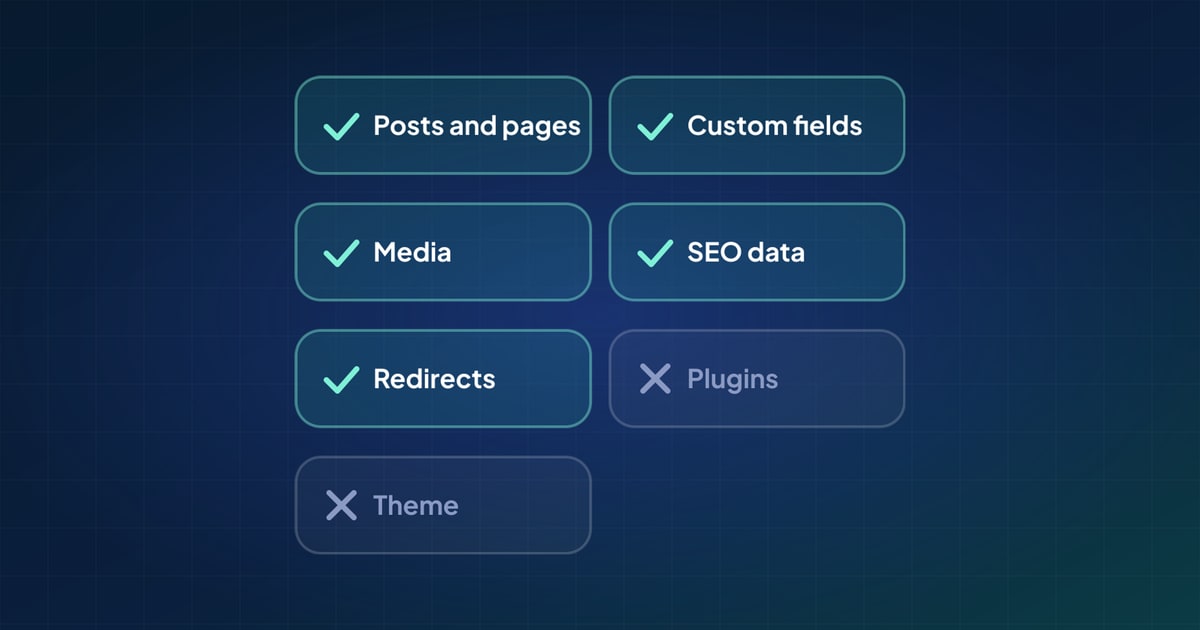
Changing CMS sounds like one job. In practice it is two: moving the content, and rebuilding everything that shows it. Mixing them up is how migrations get underestimated. Here is what belongs to the content side, layer by layer, and what stays behind with the old system.
Content and the website are different things
A CMS stores content: records, the fields on them, the files they use and the links between them. A website is something built on top of that content: templates, styles, components, scripts and hosting. When you change CMS, the content can move. The website usually has to be rebuilt, or at least reconnected, because the new CMS stores and serves content differently.
That split is useful for planning. The content move can be prepared, tested and repeated. The front-end build is a design and development project. They can run side by side, and they meet at the end.
- Records, in every state
- Fields and their structure
- Rich text
- Media
- Taxonomies
- Relationships
- Authors and members
- URLs, SEO data and redirects
- Menus and site settings
- Languages
- Templates, themes and styles
- What plugins did on the page
- Custom code and integrations
- Form entries, orders, analytics
- The CMS's own configuration
The layers that move
1. Records
Posts, pages and every content type of the site's own: events, products, case studies, team members. Each in every state that matters: published, draft, scheduled. Records are what most people mean by "the content", and they are the easiest part to count.
2. Structure
The fields on each content type: text, numbers, dates, choices, links, repeating groups and blocks. The new CMS needs a home for each one before anything moves, and the names rarely match. A WordPress custom field, a Strapi component, a Payload block and an Umbraco Block List element can all hold the same thing in different shapes.
3. Rich text
Body content is stored differently everywhere: HTML in WordPress and Drupal, Lexical or Slate data in Payload, Markdown or blocks in Strapi, Ghost's own format. Moving it means converting it, and the details live in headings, lists, embeds, image references and links.
4. Media
Images and files, with their alt text and captions, plus every place they are used: featured images, galleries, files linked from text. Media has to move before the records that use it, so the new references can point at the new copies.
5. Taxonomies
Categories, tags and the site's own vocabularies, with their hierarchy. Terms nobody currently uses still belong to the site's structure and are easy to forget.
6. Relationships
Links between records: a post's author, an event's venue, related articles, a link in the body to another page. These break most quietly, because each one depends on the other record existing first.
7. People
Authors are part of the content. Members and subscribers sometimes are too. Passwords are a special case: each system stores them in its own way, so moved accounts usually need a password reset rather than a copy.
8. Addresses and search data
Slugs, SEO titles and descriptions, canonical addresses, noindex settings, social sharing text. And redirects: the ones the old site already had, plus a new one for every page whose address changes.
9. Navigation and settings
Menus, the site name and tagline, the logo. Small in size, but they are what visitors notice first when they are missing.
10. Languages
On a multilingual site, every translation of every record, matched to the same language on the new side. Systems handle languages differently: some keep each language in the same document, others keep a document per language.
What doesn't move
- Templates, themes and styles. They belong to the old front end.
- Plugin behaviour. A plugin's data can move; what the plugin did on the page has to be rebuilt.
- Custom code: hooks, scheduled jobs, integrations with other systems.
- Form submissions, orders and analytics history, which usually live in other tools anyway.
- The CMS's own configuration: user roles, workflows, editor settings. These are set up fresh in the new CMS.
A checklist for planning
| Layer | Question to answer before you start |
|---|---|
| Records | Which types, how many of each, and in which states? |
| Structure | Where does each field go on the new side, and does anything need converting? |
| Rich text | Which shortcodes, embeds or custom blocks does the body content use? |
| Media | How many files, and where are they used outside the media library? |
| Taxonomies | Which vocabularies, and do any have parents? |
| Relationships | Which records point at other records? |
| People | Do authors exist on the new side? Do members move? |
| Addresses | Will URLs change, and where will redirects live? |
| Navigation | Which menus does the new site need? |
| Languages | Which languages, and how does the new CMS store them? |
Answer these and you know the size of the content move. The rest of the project is the new website, which can be planned on its own terms. For what tends to go wrong along the way, see 10 common CMS migration problems.
Questions
Do I need to rebuild my front end when I change CMS?
Usually, yes. Templates and themes belong to the old system. A headless CMS has no front end of its own, so the site is built separately and reads the content through an API.
Will my URLs stay the same after a CMS migration?
They can if you keep the slugs and the new site uses the same address pattern. Where addresses change, redirect each old one to its new one so links and search rankings carry over.
Should I migrate everything from the old CMS?
No. Leave out what the new site doesn't need: old drafts, spam, test content, settings that only the old theme used. Deciding this before the move is easier than cleaning up after it.
 10 common CMS migration problems, and how to avoid them
 How to migrate WordPress to Payload CMS: a practical guide
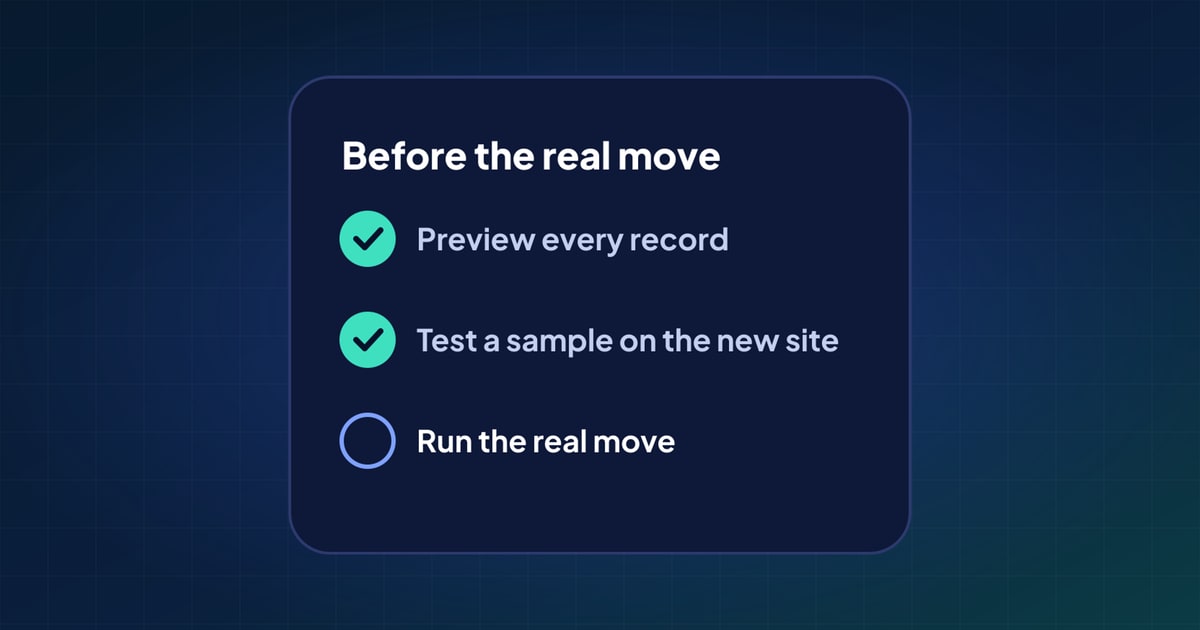 How to test a CMS migration before you run it