

How to test a CMS migration before you run it
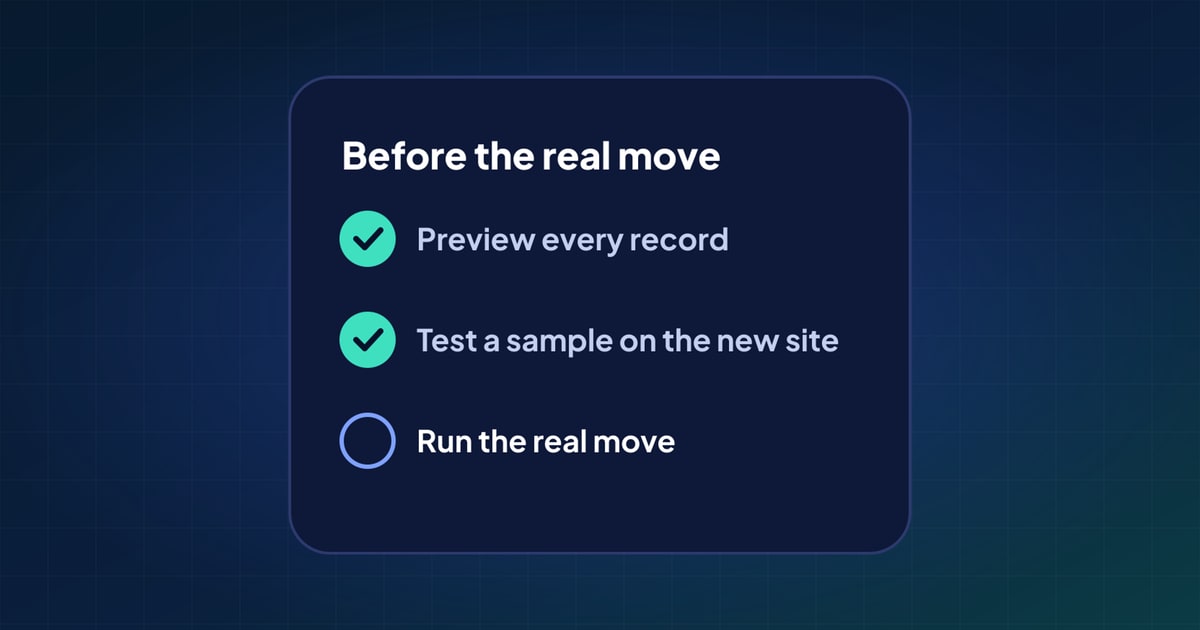
The riskiest moment in a CMS migration is the first time it touches the new site. A test beforehand turns that moment into a formality: you already know what will arrive, what won't, and what needs a decision. Here is a testing routine that applies to any CMS migration.
Why test at all?
A migration is a program that runs once against your most important data. Problems in it are rarely crashes. They are quiet: a field that stayed behind, an image that still points at the old server, a draft that went live. Found before the real run, each one is a fix to the mapping. Found after it, each one is a clean-up across hundreds of records, while the new site is already live.
Testing in stages catches different problems at each step, and each step costs little compared with fixing things afterwards.
- PreviewEvery record mapped, nothing written
- SampleA varied few written to the real destination, then removed
- CheckAgainst a written list, until it passes
- Real runWith a record of what it creates, so it can be undone
Step 1: preview every record, writing nothing
Run the whole migration up to the point of writing: read every record, apply the field mapping, convert the rich text, and look at the result without sending it anywhere.
A preview answers the cheapest questions first:
- Does every record have a value for each required field on the new side?
- Which fields have nowhere to go?
- What does the converted body text look like for the most complex pages?
- Which slugs clash, and which records reference something that doesn't exist?
Because nothing is written, you can run it as often as you like while you adjust the mapping.
Step 2: test a sample on the real destination
A preview can't tell you how the new CMS will react. Destinations have their own rules: required fields, unique slugs, field length limits, validation on relationships, media types they refuse. The only way to know is to write.
So write a small, deliberately varied sample to the real destination, check it, then remove it. Choose records that cover the hard cases:
- the longest post, and one with many images;
- a page using every custom field and block type;
- records with special characters, emoji or HTML in their titles;
- a draft, a scheduled post, and something in each language;
- records that link to each other.
Mark the sample records clearly, for example with a prefix in their slug, so they are easy to find and remove, and can't be confused with real content. If the new CMS has webhooks or publish hooks that rebuild a site, notify people or sync to other tools, pause them for the test, or test on a staging copy of the destination if you have one.
Step 3: check the result against a list
"It looks fine" isn't a check. Write down what correct means, and check each point:
| Check | How |
|---|---|
| Counts | Records per type and per status, source against destination |
| Fields | Every field of a few records, side by side |
| Rich text | Headings, lists, tables, embeds and images on the most complex page |
| Media | Images load from the new CMS, with their alt text; no URLs to the old domain |
| Links | Links between records open the right record on the new side |
| Dates and status | Original publish dates kept; drafts still drafts |
| Addresses | Slugs kept; every changed address on the redirect list |
| Search data | SEO titles and descriptions present |
Anything that fails goes back into the mapping, and the sample runs again until the list passes.
Step 4: make sure you can undo it
Before the real run, know how you would reverse it. Keep a record of every item the migration creates: records, media, terms. Then removing the migration's work is a list to go through, not a search. If anything changes in the new CMS after the migration (an editor fixes a typo), take care not to undo that edit along with it.
The real run, and after
With the sample passing and an undo plan ready, the real run holds few surprises. Freeze edits on the old site for the run, or plan a final catch-up run for content that changed in the meantime. Afterwards, run the same checklist on the full result, and keep the old site available, read-only, until you are sure nothing is missing.
For the problems these checks are designed to catch, see 10 common CMS migration problems.
Questions
What is a CMS migration dry run?
A test of the migration before the real run: every record read and mapped, and the result checked, without changing the live site. A good dry run also writes a small sample to the real destination, because only the destination can tell you what it accepts.
Should I test a migration with all my content?
Preview all of it, because previewing writes nothing. Write only a varied sample to the destination, chosen to cover the hard cases, then remove it.
How do I undo a CMS migration?
Keep a record of everything the migration creates, so you can remove exactly that. Check for edits made on the new side after the migration before removing anything.
 10 common CMS migration problems, and how to avoid them
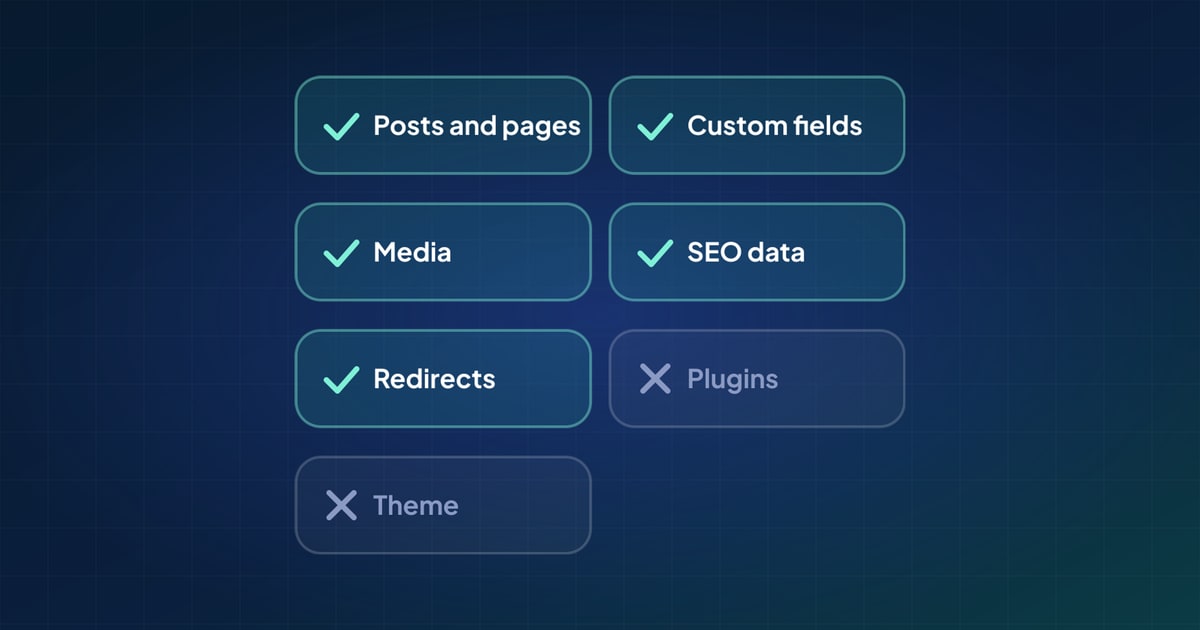 What actually moves in a CMS migration (and what doesn't)
 How to migrate WordPress to Payload CMS: a practical guide